Account migration
An account migration moves one source account into one Stalwart account. It suits a user who moves from a hosted mailbox or another provider to an existing Stalwart deployment, an account consolidated into another one, or a single mailbox moved ahead of a larger migration. The project has the scope “Single account”, and it runs through the same wizard, runner and operation screens as a server migration. This page describes only what differs; every other step is followed as written there.
An account-scope project touches one account and nothing that belongs to its domain as a whole. It never sets catch-all addresses, does not carry domain aliases and does not import or generate DKIM keys, because each of these affects every account of the domain, including accounts that are not part of the project. Pre-flight and the losses list name what is left out, for example catch-alls are domain-wide, so an account-scope project does not set them; set them by hand or migrate the domain with a server-scope project. A domain that should move as a whole is migrated with a server-scope project instead.
Create the project
Section titled “Create the project”The project is created as in Create the project, with Scope set to “Single account”. The scope cannot change later.
In the “New project” tile, enter the Project directory, set Scope to “Single account”, and click Create project. Then unlock the secret store from the page head.
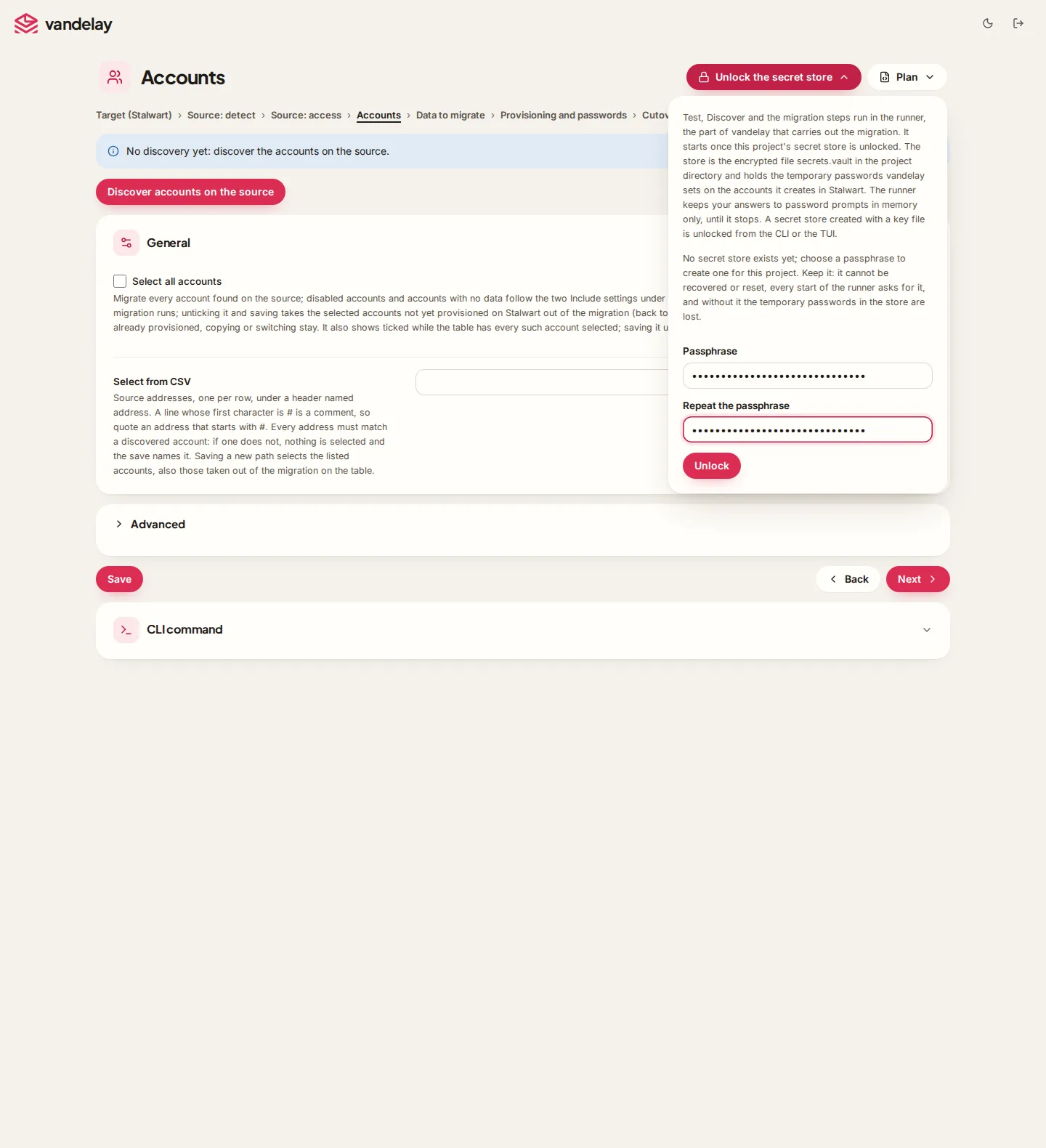
Press n, enter the project name, press tab until the scope reads “one account”, and press enter.
The following command creates a single-account project:
vandelay migrate init --project /srv/migration/alice --scope accountConnect the target account
Section titled “Connect the target account”The “Target (Stalwart)” step is filled in as in Connect the target, with one addition: the Stalwart account that receives the data. Target account name names an existing Stalwart account by its login name, and Target account id (Advanced, shown while the name is empty) names it by its JMAP account id. Vandelay adopts the named account as the target instead of creating one, and provisioning refuses a name that does not match exactly one user account, for example with target.account names no user account on Stalwart: <name>. When neither field is set, the account is provisioned on Stalwart as in a server migration.
The target account is part of the project’s identity, like the target URL: once work has been admitted, a different target account needs a new project. For the same reason, a per-account override cannot set a different target address while a target account is named.
Fill in the target fields, enter the Target account name, click Save, then Test the connection and Next.
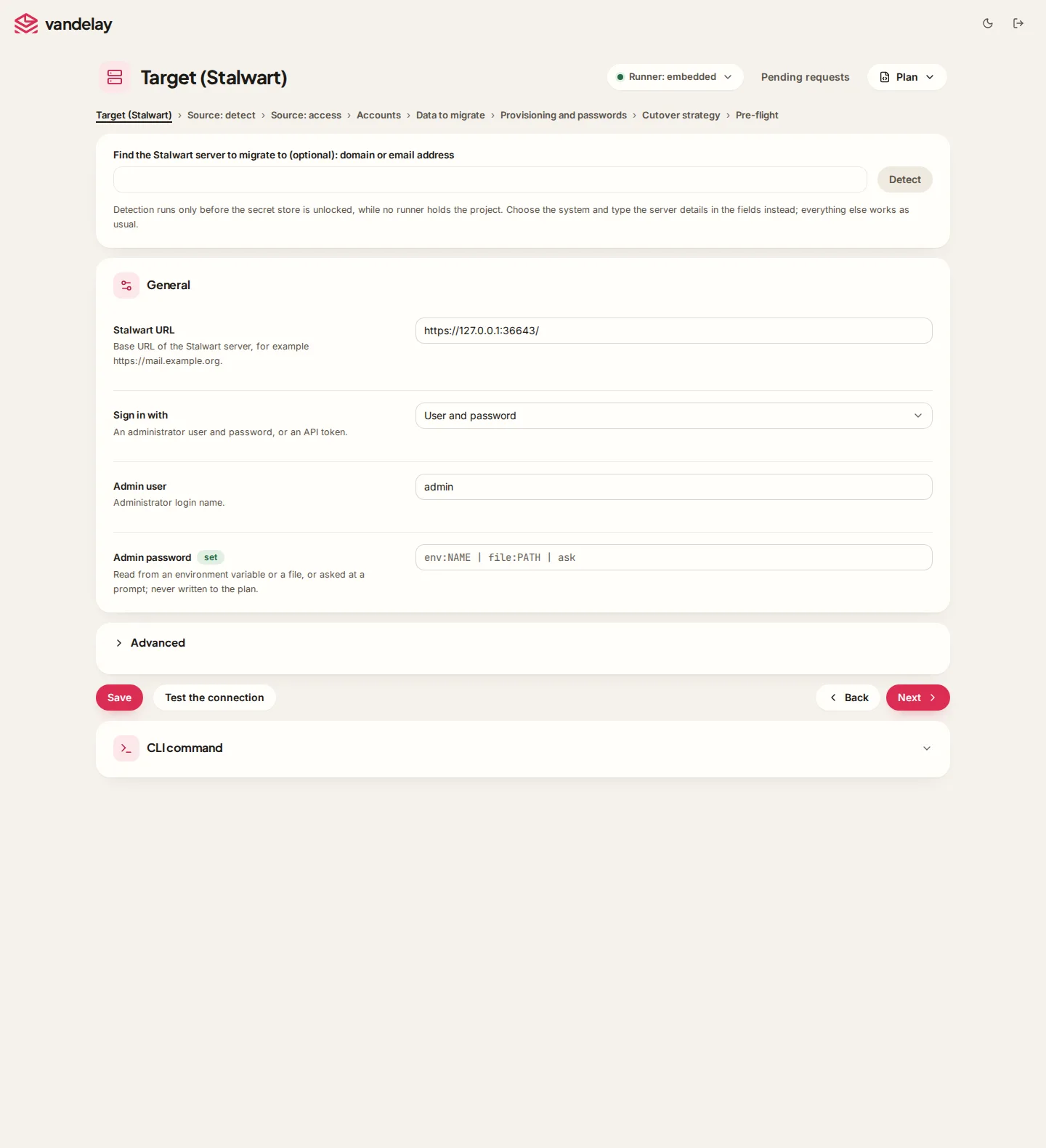
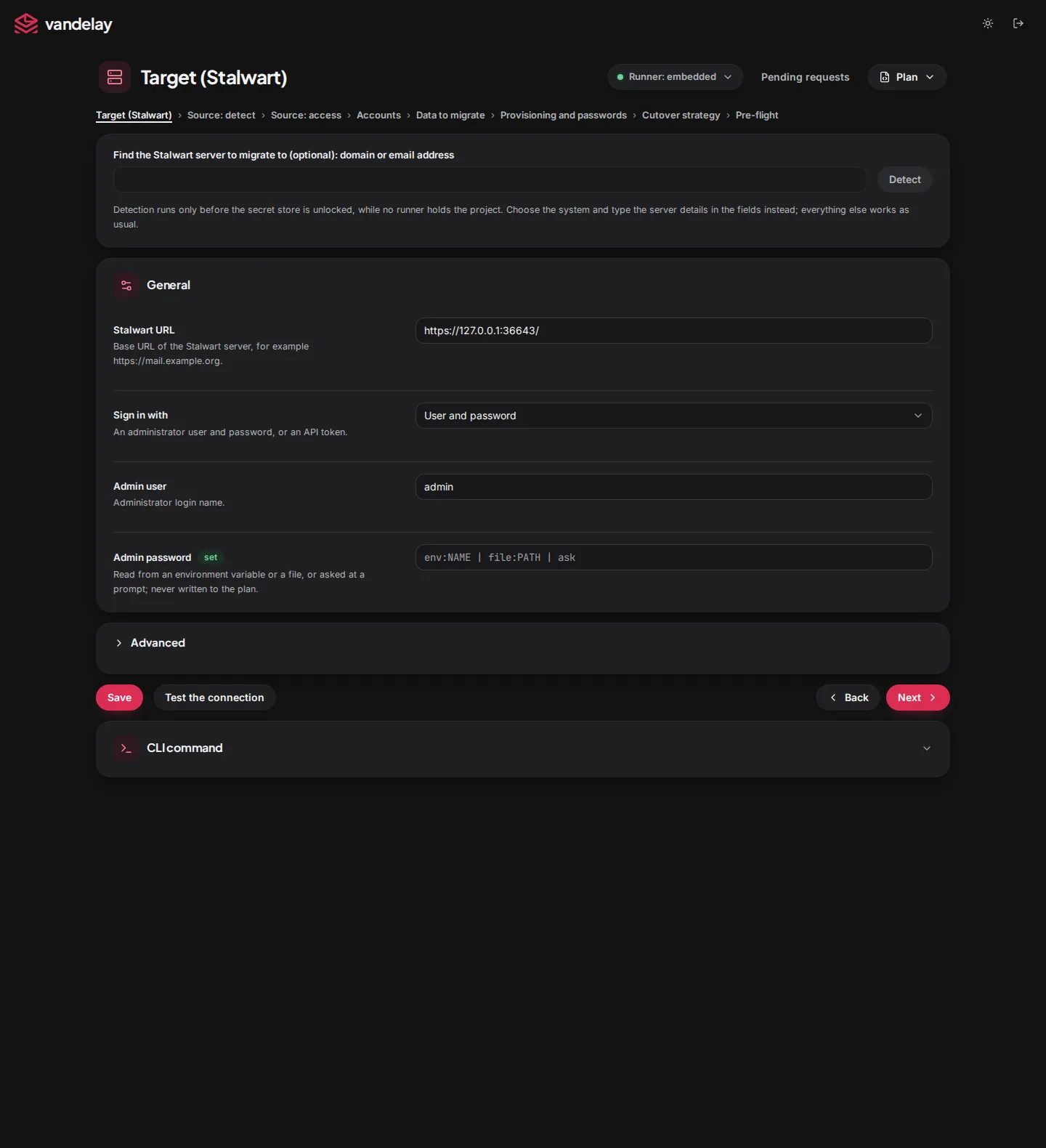
Press tab, fill in the target fields and the Target account name, and press enter. The target account id is among the advanced fields (a).
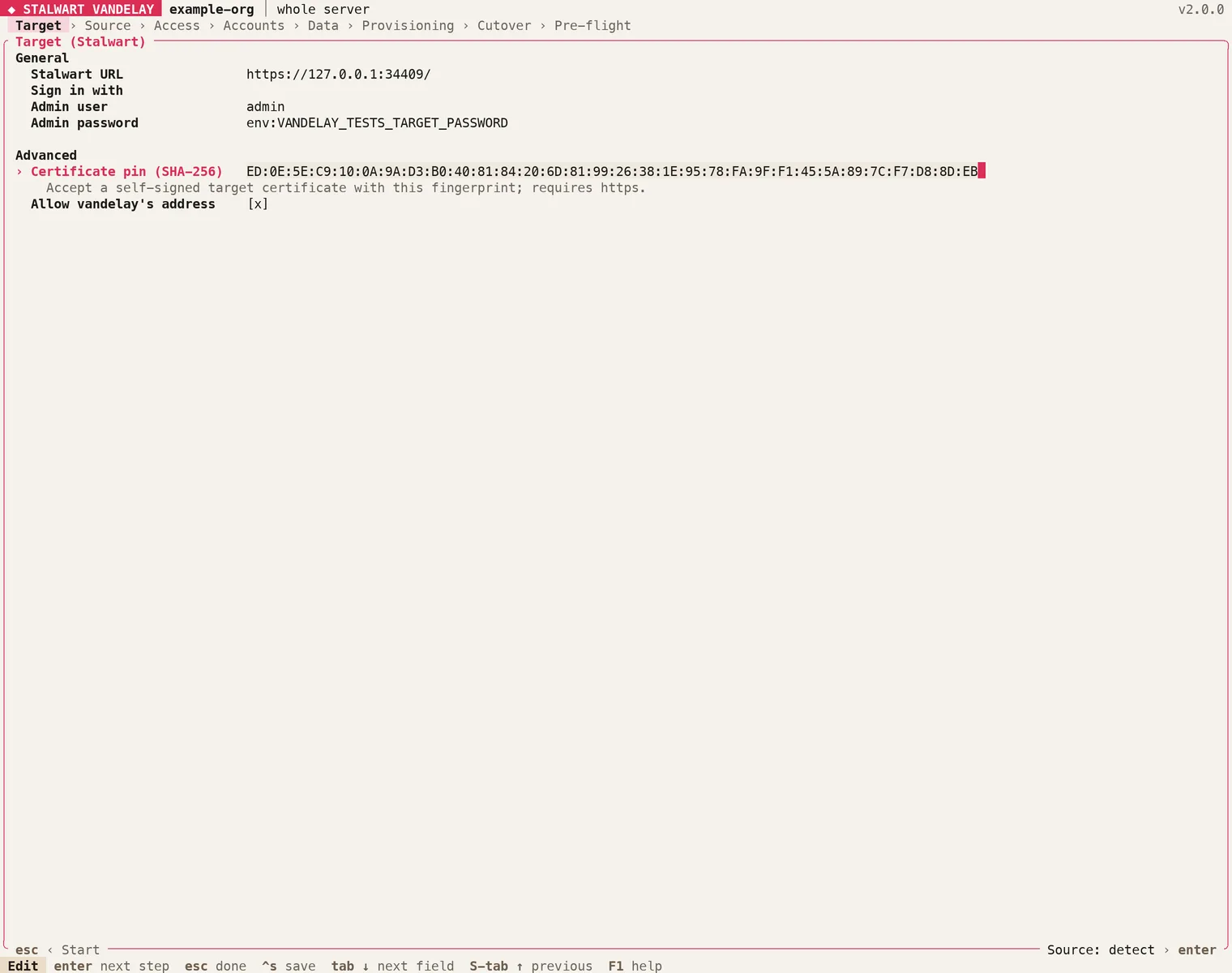
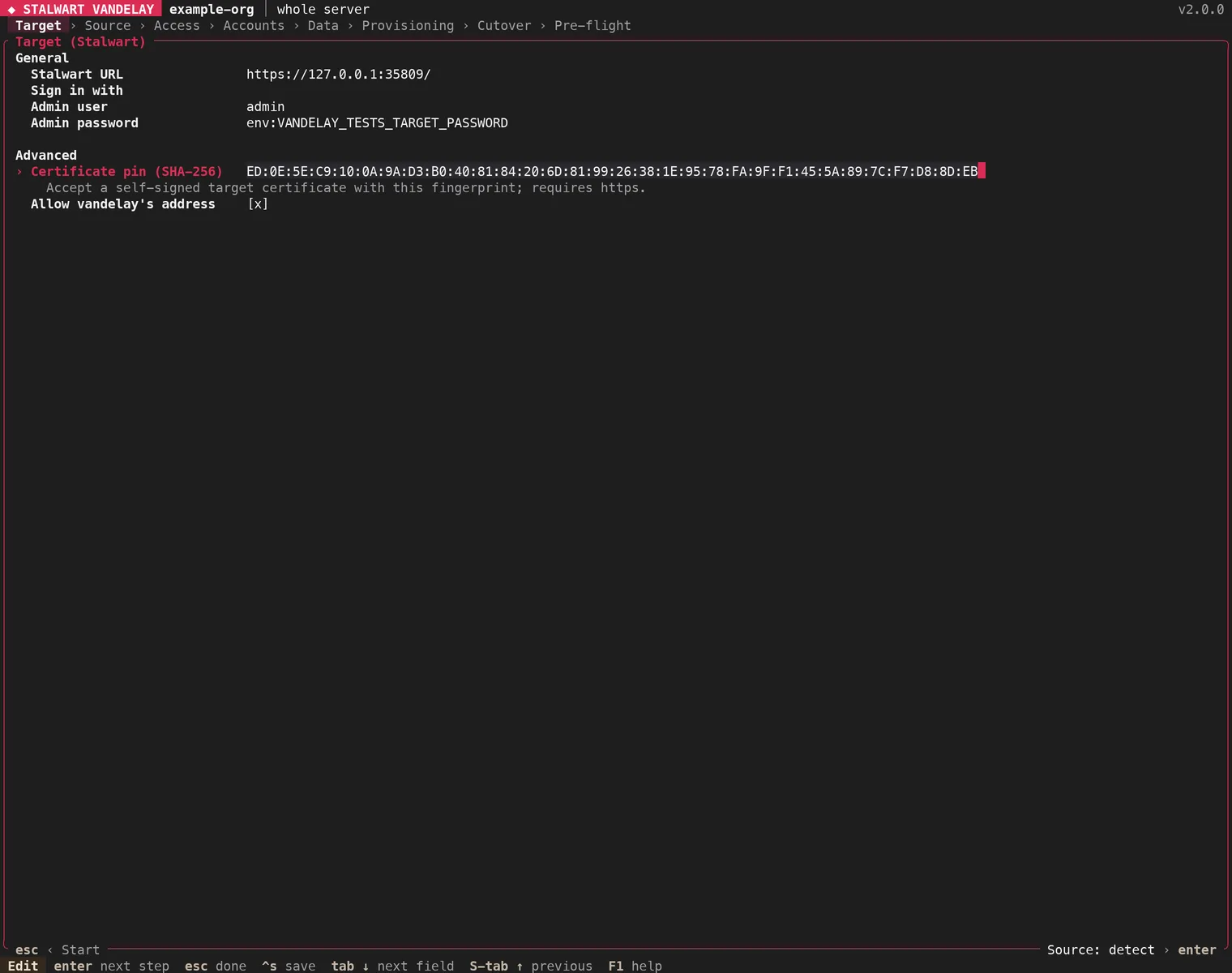
The following command sets the target and names the Stalwart account alice as the account to migrate into:
vandelay migrate target \ --url=https://mail.example.org \ --auth=basic \ --user=admin \ --password=env:STALWART_ADMIN_PASSWORD \ --target-account=aliceChoose and configure the source
Section titled “Choose and configure the source”The source system is chosen and configured as in Choose the source system and Configure source access. With an administrative credential, such as a master user or an admin API key, Vandelay reads only the one selected account.
For “Other IMAP server”, account scope adds a way that needs no administrative access at all: the user’s own sign-in. Account address is the account to sign in as, Account login the login name when it differs from the address, and Account password a secret reference to the user’s password. This replaces the accounts CSV and the master user, and it is refused in a server-scope project. It makes it possible to move a mailbox from a provider that grants no master user with the user’s own password.
In account scope, Test the connection signs in to the account named on the Account step, and its result names it, as in tested on the account <address>: .... When that account is not yet named and the source lists several, it reports the source lists several user accounts: the source login is tested by pre-flight on the account named in the next step.
Pick the Source system on “Source: detect”, then fill in “Source: access”. For an IMAP user sign-in, enter the Account address and, when it differs, the Account login; the Account password is a secret reference; with ask, the runner asks for it on the “Requests from the runner” page.
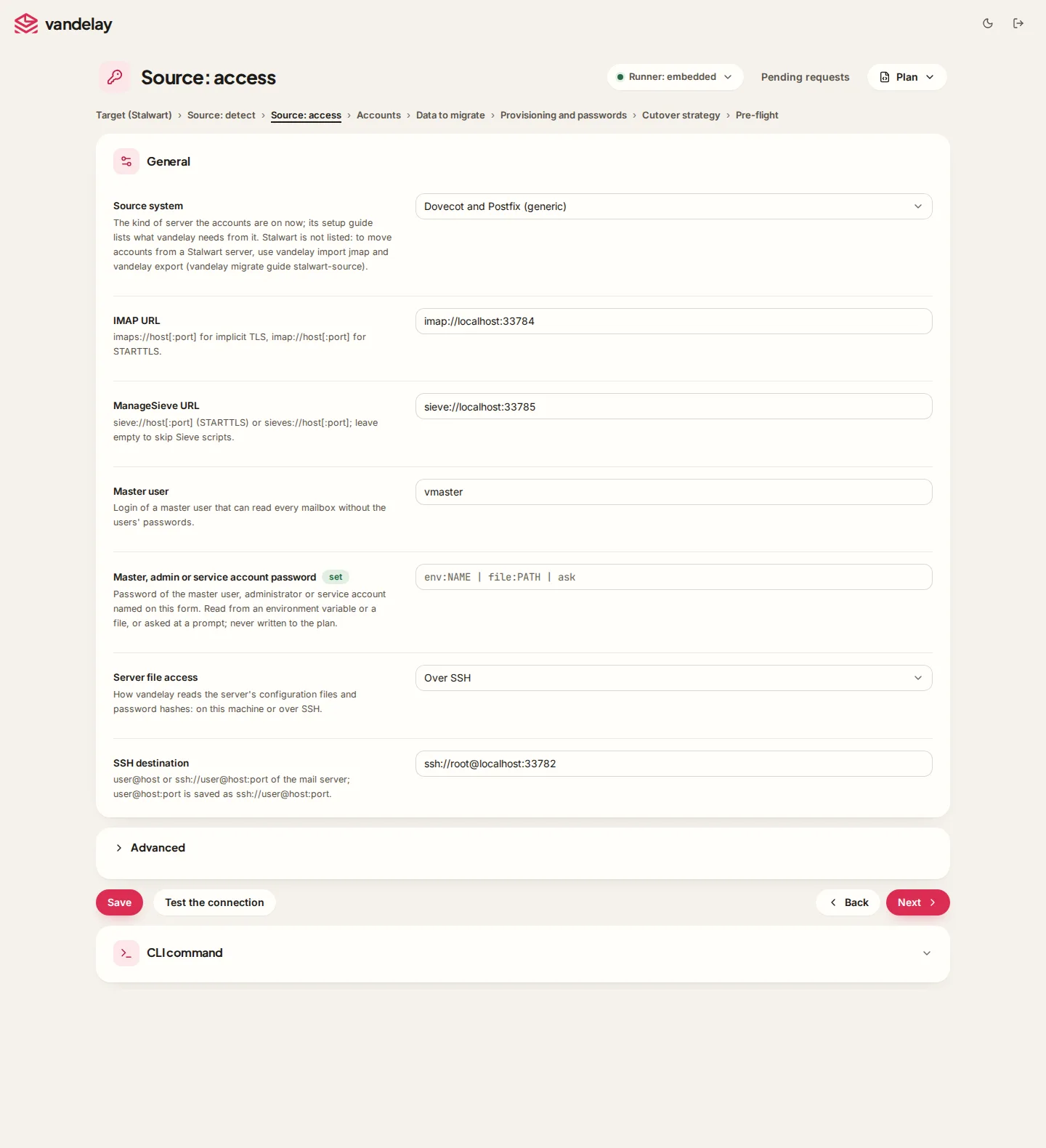
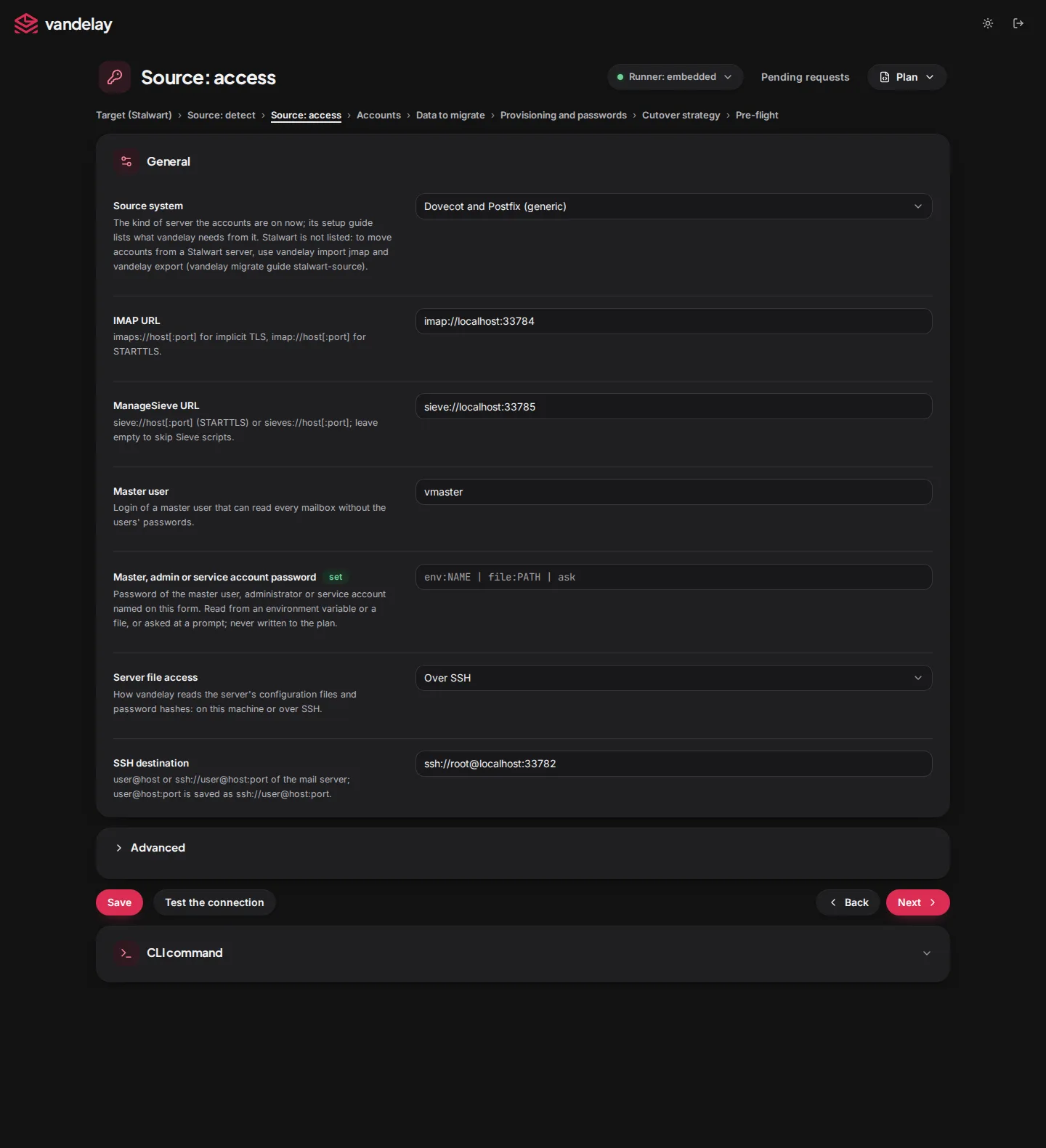
Fill in the source fields as for a server migration. With a user sign-in, set the Account password to ask; the TUI shows the runner’s request for the password when it is needed.
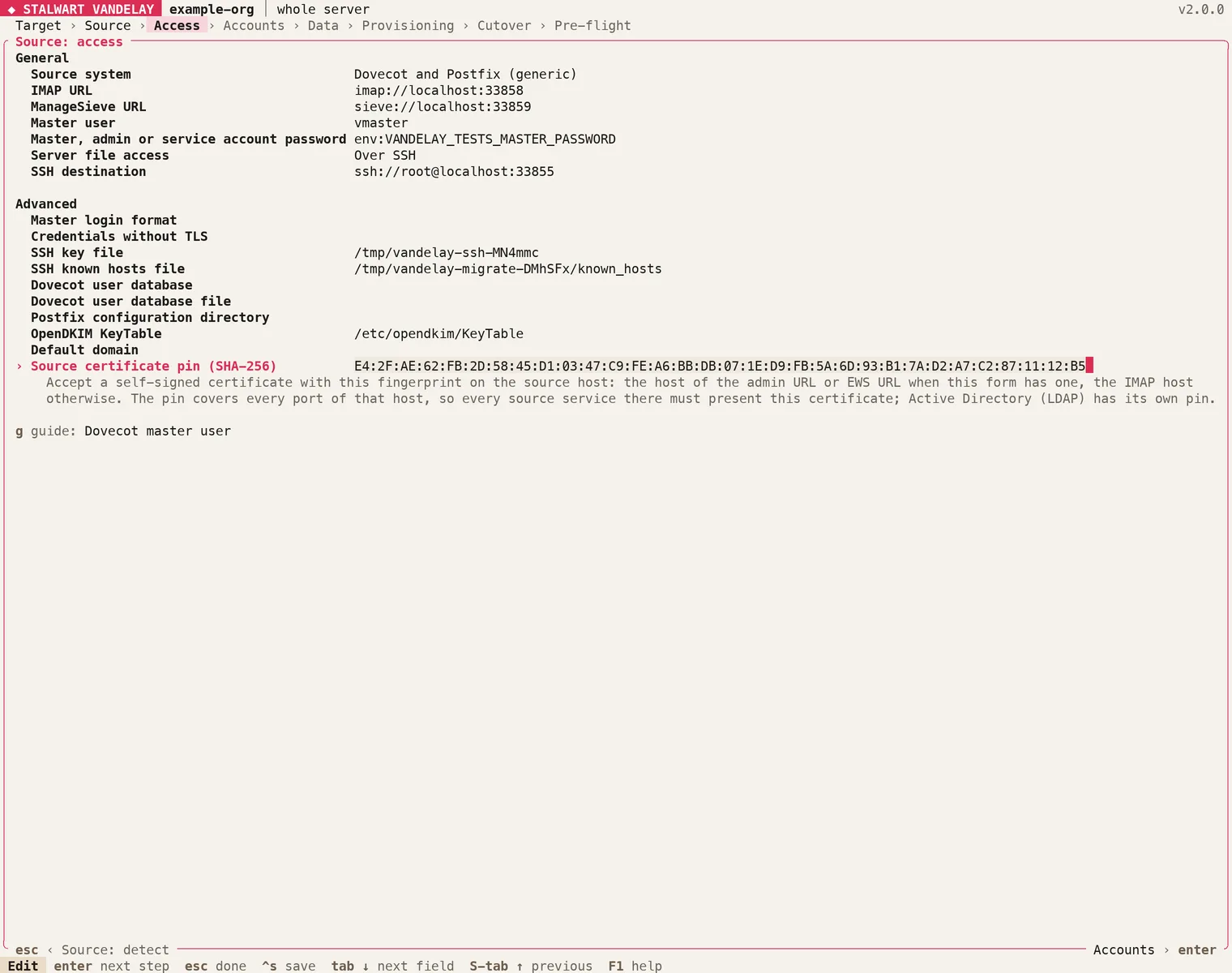
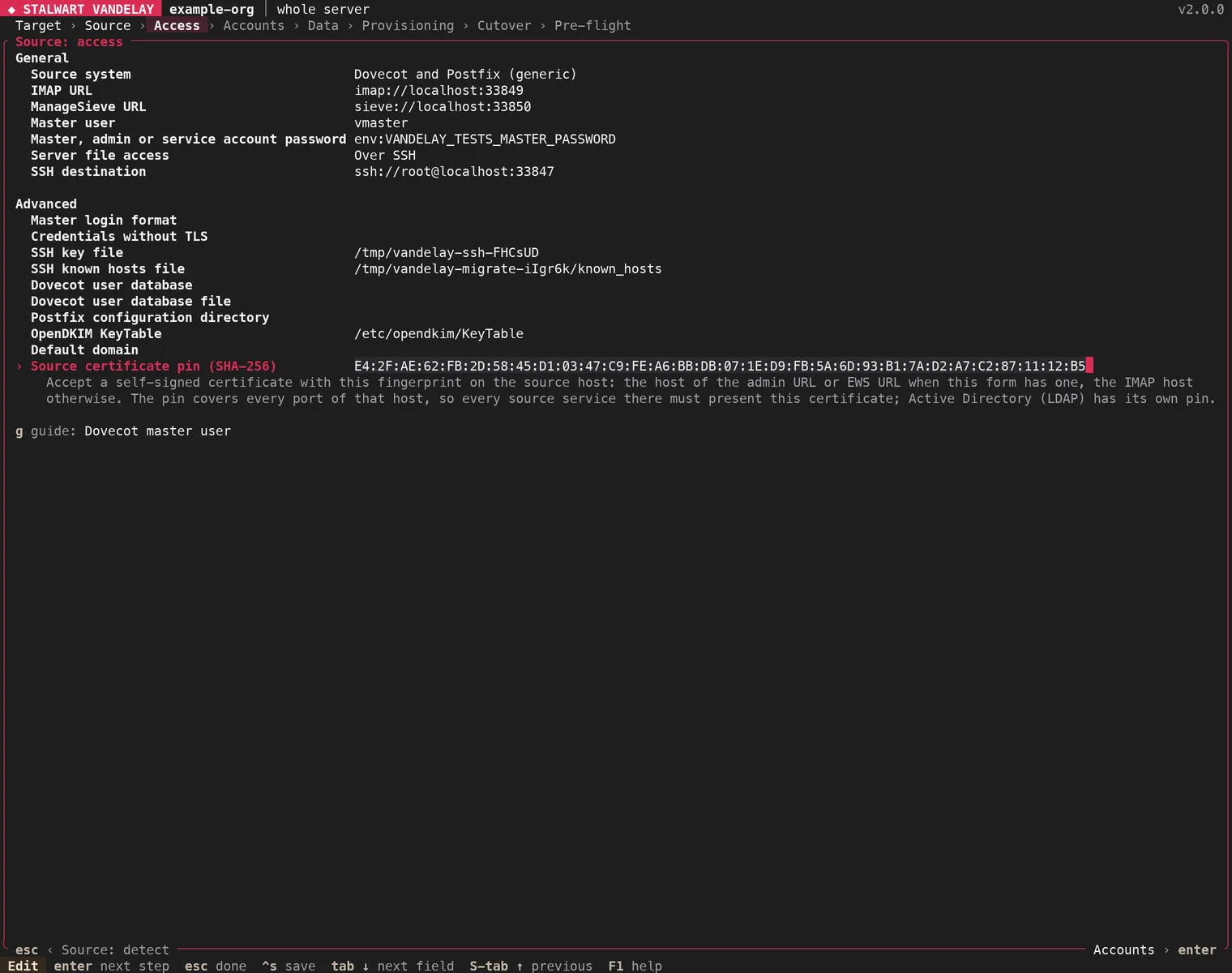
The following command reads one mailbox from an IMAP provider with the user’s own password, which the runner asks for when it first needs it and keeps in memory until it stops:
vandelay migrate source \ --system=imap \ --imap-url=imaps://imap.provider.example \ --user-password=askChoose the source account
Section titled “Choose the source account”The Account step replaces the Accounts step of a server migration. Source account is the address of the one source account to migrate. It can stay empty when the source sees only that account, which is the case with a user sign-in. Discovery still runs, to read the account, its aliases and its losses.
Enter the Source account, click Discover accounts on the source, then Save and Next.
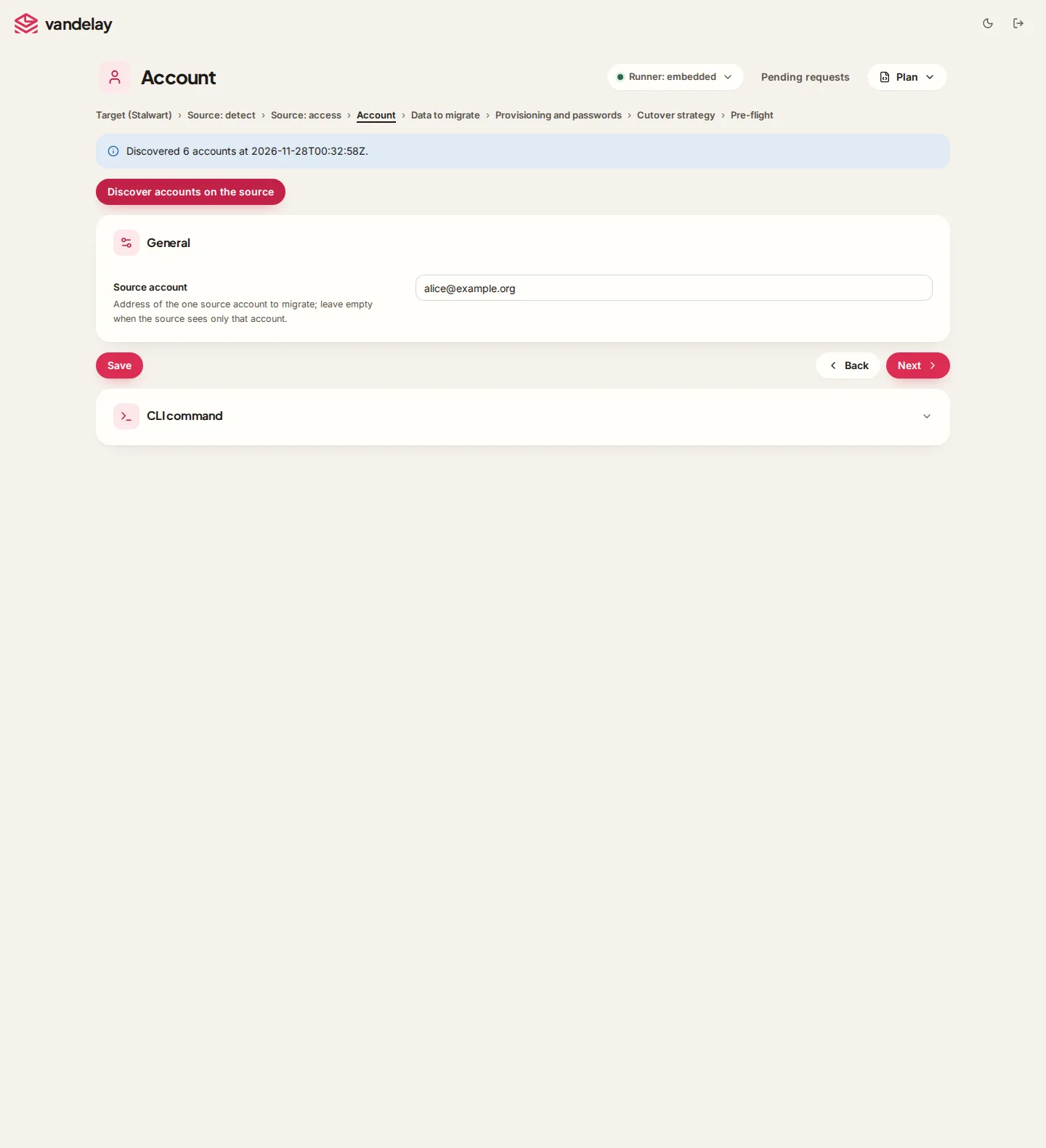
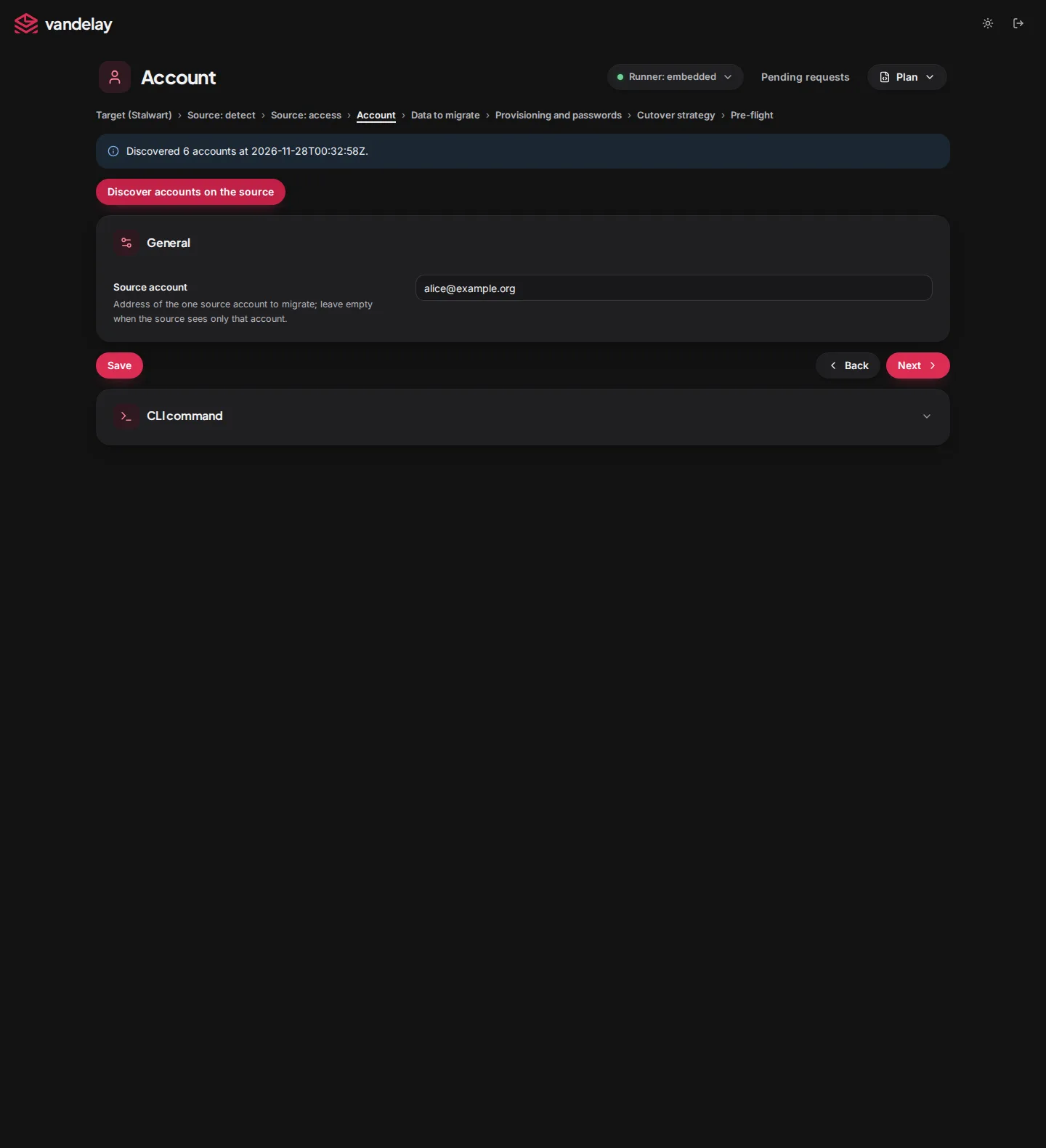
Press tab, enter the Source account, press ^d to discover, and press enter.
The following commands select the source account and discover it:
vandelay migrate discoverRemaining steps
Section titled “Remaining steps”The data, provisioning and cutover steps, pre-flight, the run, the cutover and verification follow Server migration without change, except for the domain-wide settings named at the top of this page: the DKIM keys and catch-all settings have no effect. In a zero-downtime migration, the proxy switches the account’s login forms exactly as for one account of a server migration.
Finishing runs the same steps as in Finish the project, minus the catch-all addresses: the step is skipped in account scope, and any catch-all the domain needs is set by hand on Stalwart.